


How to add a password to a Microsoft Word document?
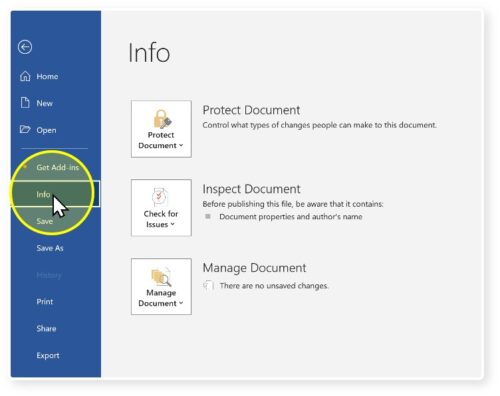
1. Click ‘Info’
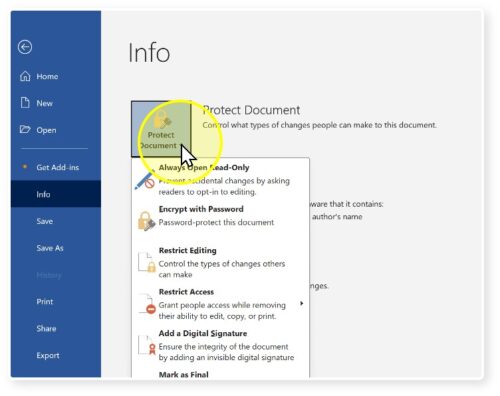
2. Click ‘Protect Document’
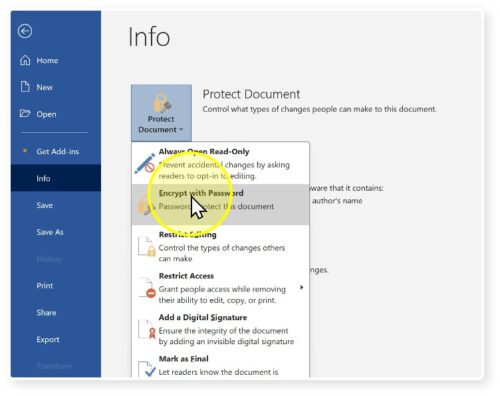
3. Click ‘Encrypt with Password’
4. In the dialogue box, enter a password (case-sensitive) and click OK
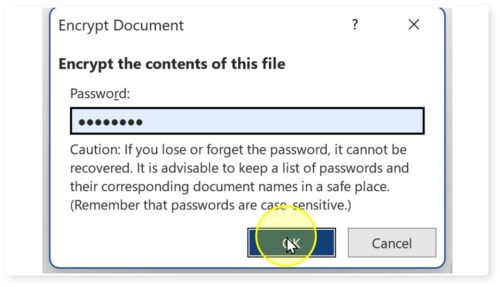
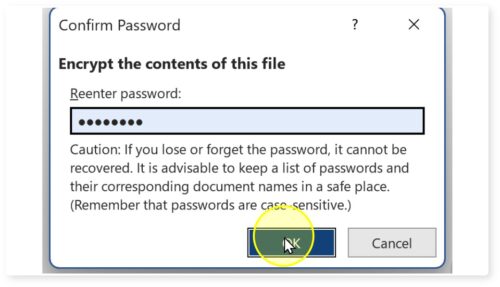
5. Confirm: Re-enter the password when prompted and click OK
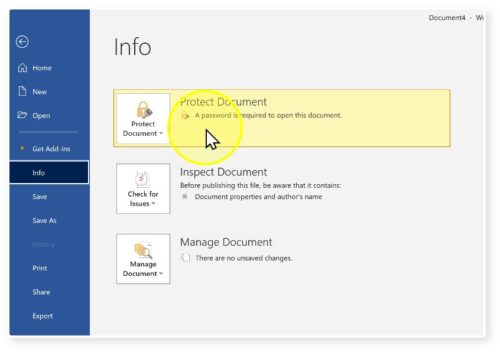
6. In the Info section, it will show ‘Protect Document: a password is required to open this file’
7. Save the document (Ctrl + S) to ensure the password takes effect
Your document is ready and will be protected by your password!
Hashtags: #WordFormatting, #books, #WritersToolkit
☙ ❧